

IT for schools
We keep your school running, so your people can teach.
IT, cyber security and support built around terms, budgets and the way schools actually run. Warmly at home in Lutheran and independent schools, and across the faith-based sector.
Or take the three-minute Security Check for schoolsBuilt for the people who carry the school
Two jobs, one dependable partner.
For Business Managers
One partner, one number, no surprises at budget time.
- A fleet and infrastructure plan mapped to your capital cycle
- Predictable costs, with refresh planned years ahead, not term by term
- Vendor sprawl collapsed into one accountable relationship
- Reporting you can hand straight to the Board
For Principals
Your people teach. The technology just works.
- Classrooms where the technology never steals the lesson
- Student and family data protected as carefully as your reputation
- A calm voice on the phone when something goes wrong
- The same SCCS people term after term, not a revolving door of strangers on campus
- Advice in plain English, never in jargon
The teacher test
If technology steals a minute of the lesson, it failed.
Every decision we make in a school is measured against one question: does this help a teacher teach? Not the server room, not the ticket queue, the classroom. When the technology disappears into the background, teachers perform, students settle, and the whole school feels it.
- A lesson never waits for a login, a projector or a password reset
- Broken devices swap out from buffer stock the same day, mid-term
- Staff get a patient voice on the phone, whatever the question
- New teachers walk into a classroom that already works
What we look after
Everything between the gate and the classroom.
Cyber security & student data
Assessment, protection, backup and recovery designed around the data schools hold and the duty of care that comes with it.
Device fleets & classrooms
Staff and student devices planned, procured, imaged, deployed and supported, with buffer stock so a broken device never stops a lesson.
Networks & infrastructure
Wireless that holds up when every student connects at once, and server and cloud foundations that quietly do their job.
Day-to-day support
A help desk that answers, onsite time when it matters, and escalation that moves in minutes, not days.
Free download
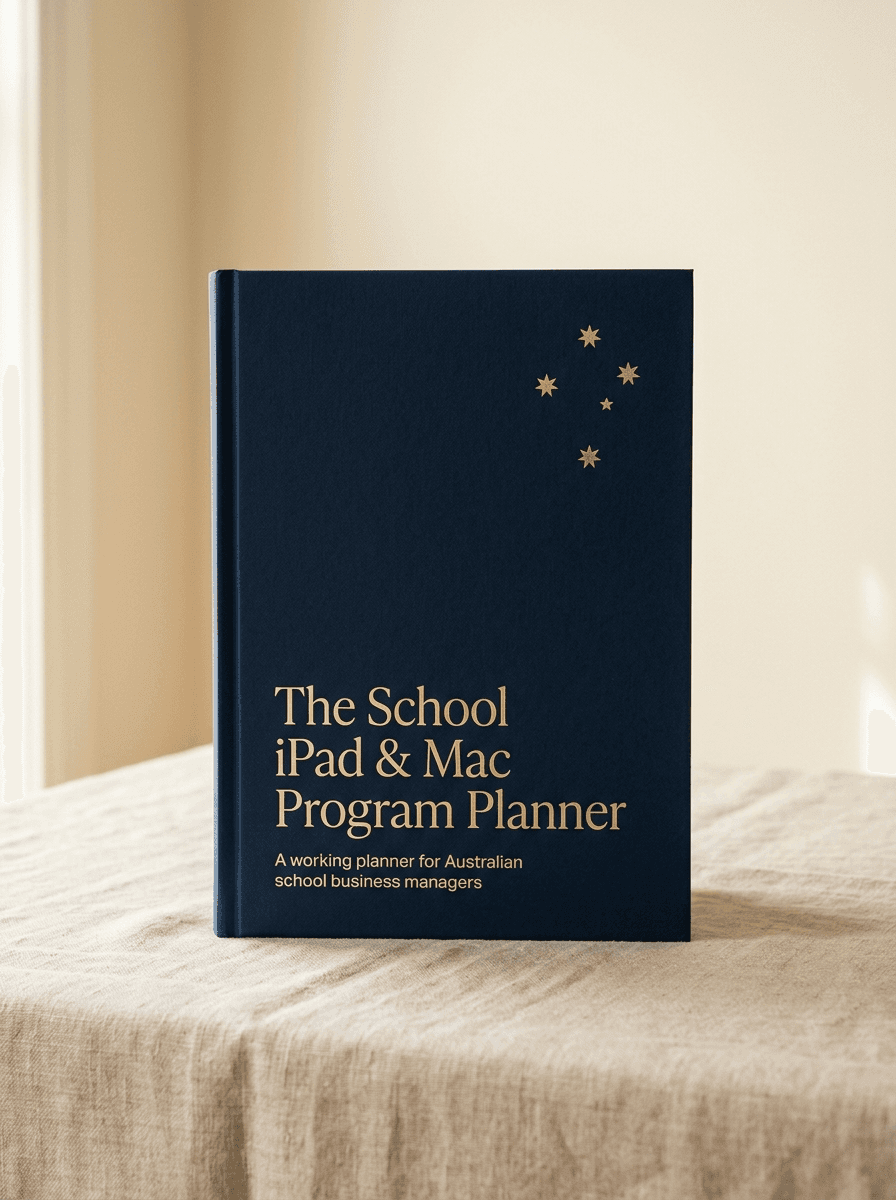
The School iPad & Mac Program Planner
Planning an iPad or Mac program? The planner walks you through the five decisions, the real costs, and a rollout that does not steal a single lesson. Ten minutes with it and you will know exactly what to ask every supplier, including us.
- The five decisions to make before term starts
- A costing worksheet you fill in with your own numbers
- A term-time rollout runbook, week by week
Safeguarding
In a school, IT is child safety work.
A school network holds things a corporate network never will: children’s identities, images, health notes and family details. We treat that difference as the whole job, not a line item.
Student data, held to a higher duty
Access controls, backup and recovery designed around duty of care, so records are there when needed and reachable only by the people who should.
Images and identity protected
Photo libraries, publishing workflows and storage set up so images of children stay inside the school's control, never one misclick from public.
Classroom hardware, safely deployed
Cameras, devices and platforms configured with privacy first, including the early childhood settings where the rules are strictest.
Staff protected too
Teachers and staff shielded from phishing, impersonation and data exposure, because protecting the school means protecting its people.
We hold ourselves to the same standard we build for you: no student’s face ever appears in our marketing, and no school’s story is told without written permission.
Why schools stay
Schools run on trust. So do we.
The school communities we serve found us the same way most of our clients do: a quiet recommendation from someone who already relies on us. We know the rhythms of term dates and budget season, the weight a Business Manager carries, and what it means to be trusted with a community’s children and their data.
Named school references are available on request. We never publish a client’s story without written permission.
Free download
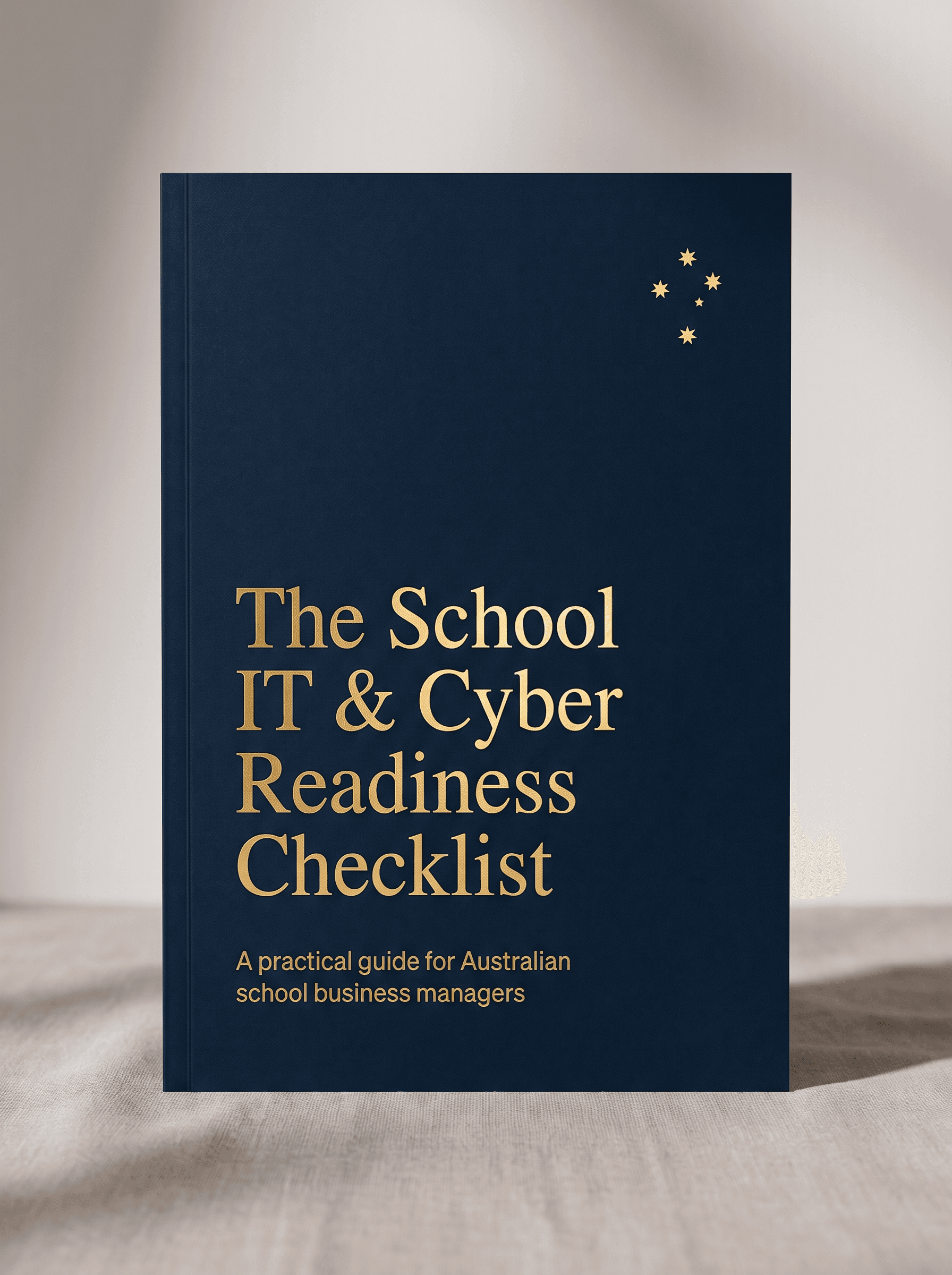
The School IT & Cyber Readiness Checklist
A practical, plain-English guide for school business managers. Ten minutes to see exactly where you stand, and what to fix first.
- The 12-point readiness self-assessment
- The questions your Board will ask after a breach
- A one-page plan you can action this term
Ready when you are
Start with a school IT health check.
Forty-five minutes, free, and built for schools. We map what you have, what is at risk, and what to fix first, in language your Board will understand.