
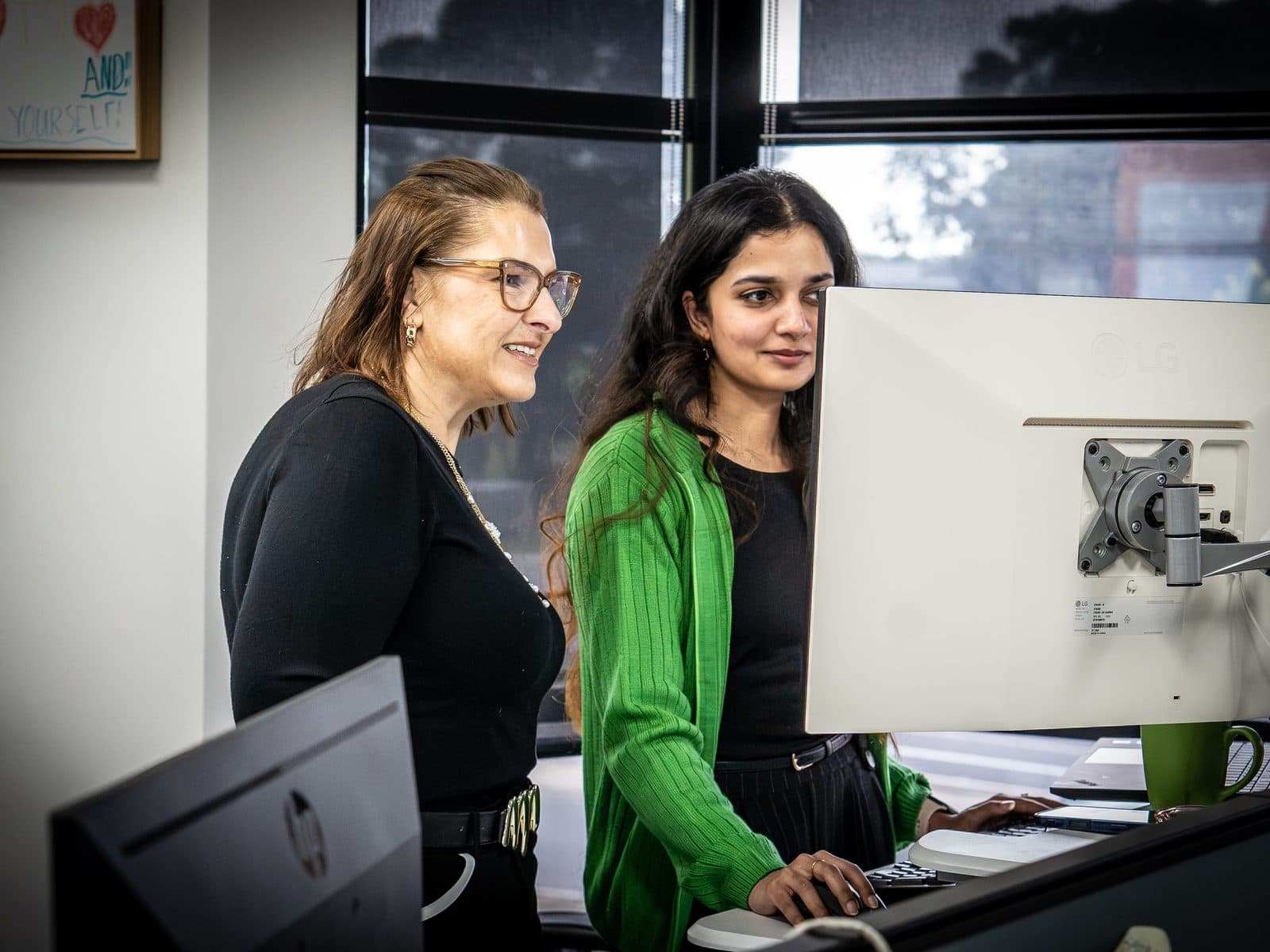
School IT health check
What a school IT health check looks at, and what you get back.
Free, about 45 minutes, and built for schools. We map what you have, what is at risk and what to fix first, in language your Board will understand.
Who it is for
Business Managers and Principals, with or without an IT team.
If you carry the budget, the Board report or the duty of care for student data, this is for you. It works whether the school has an in-house IT person, a part-time arrangement or no one at all.
At a glance
- Free
- About 45 minutes
- No obligation
- Built for schools
What we look at
Six areas, each in plain English.
Cyber basics and student data
How student and family information is protected, who can reach it, and where the gaps are.
Backup and recovery
Whether you could get back to teaching quickly after an outage, and how sure you can be of it.
Devices and the fleet plan
What you have, how old it is, and whether refresh is planned or arrives as a surprise.
Network and wireless
Whether the network copes when a whole year level connects at once.
Microsoft 365 and accounts
Licensing, sign-in and account hygiene, and whether you are paying for what you use.
Support arrangements and budget timing
Who helps when something breaks, and how IT spending lines up with your budget cycle.
How it runs
Four steps, and the last one is yours.
Book
Tell us a little about your school in the form below. We will be in touch to arrange a time.
A conversation and a look
About 45 minutes. We ask how the school runs and look at your environment together.
The written summary
A plain-English summary arrives afterwards, with risks ranked and what to fix first.
Your choice
What happens next is up to you. There is no obligation to do anything.
What you get back
A summary you can keep and hand on.
- A plain-English summary you can keep
- Risks ranked, with what to fix first
- Language a Board understands, so it can be passed straight up
- Honest notes on what is already fine
What it is not
A conversation, not a pitch.
- Not a sales pitch
- No hard sell, before or after
- If something is fine, we say so
Not ready to book? Two lighter ways to start: the School IT and Cyber Readiness Checklist, or a three-minute Security Check for schools.
Book a school IT health check
A calm, clear look at where you stand.
Tell us a little about your school and we will be in touch to arrange a time. No pressure, no jargon, and nothing to prepare.
- Free and no obligation
- About 45 minutes
- A plain-English summary you can keep
Questions we hear
School IT health check: common questions
What does the school IT health check cost?
Nothing. It is free, and there is no obligation to do anything afterwards.
How long does it take?
About 45 minutes. The written summary follows after that conversation.
Is it onsite or remote?
We will arrange the format that suits your school. Tell us your preference in the booking form and we will work it out with you.
What do we need to prepare?
Nothing. Come as you are. A device list helps if you have one to hand, but it is not needed.
Will you try to sell us something?
No hard sell. The point is a clear picture of where you stand and what to fix first. What you do with it is your decision.
Do we need an in-house IT person?
No. The health check suits schools with an IT team, schools with one person and schools with none. Business Managers and Principals are the usual people in the conversation.