
Macs for business
Buying Macs for work, without the guesswork.
Which Mac suits which job, what to decide before you order, how Macs fit a Microsoft workplace, and how SCCS trade pricing works for organisations that buy regularly.
The range
Which Mac for which job?
Five lines, 572 configurations in the catalogue. Start with the work people do, then pick the line.
- MacBook Air
Staff who live in Microsoft 365, browsers and video calls, and carry the laptop between sites.
Apple M5, in 13.6-inch and 15.3-inch sizes
- From $1,908.18 RRP
- MacBook Pro
People who edit video, compile code or work with large data sets away from a desk.
Apple M5 Pro and M5 Max, in 14.2-inch and 16.2-inch sizes
- From $2,908.18 RRP
- Mac mini
Office desks that already have screens, keyboards and mice. The most flexible desktop Mac for a team.
Apple M6 and M5 Pro configurations
- From $1,317.27 RRP
- iMac
Reception, front office and shared spaces, where screen, camera and speakers in one unit keeps the desk tidy.
Apple M4, 24-inch
- From $2,180.91 RRP
- Mac Studio
Heavy creative, engineering and on-device AI work that needs a lot of memory.
Apple M4 Max through M5 Ultra, up to 256 GB of memory
- From $3,908.18 RRP
Before you order
Four choices you cannot change later.
A Mac is configured once. Get these right at quote time and the fleet lasts its full life.
- 01
Memory
On Apple silicon Macs the memory sits in the chip package and is set when the Mac is built. It cannot be added later, so size it for the third year of use, not the first week.
- 02
Storage
Internal storage is chosen when the Mac is built, and Apple does not upgrade it afterwards. If files live in OneDrive or SharePoint, a smaller drive is often enough; local video, code and virtual machines need more.
- 03
Keyboard layout
Some configurations in the catalogue list an English (US) keyboard. Check the listing before you order a fleet, or ask us to confirm the layout.
- 04
Management from day one
Decide before the first Mac arrives how it will be enrolled and managed, so it joins sign-in, Wi-Fi, printing and security policy without a visit to each desk.
Macs in a Microsoft workplace
Your people want Macs. Your systems run on Microsoft.
Both can be true. The work is in the planning: which policies apply, which apps install, which printers appear, and who looks after the first week.
- Microsoft 365 apps, Teams and OneDrive run on Mac.
- Macs can be enrolled and managed alongside Windows devices, so policy and apps come from one place.
- Printing, file shares and Wi-Fi are where mixed fleets usually trip up, and where the planning pays off.
Free download
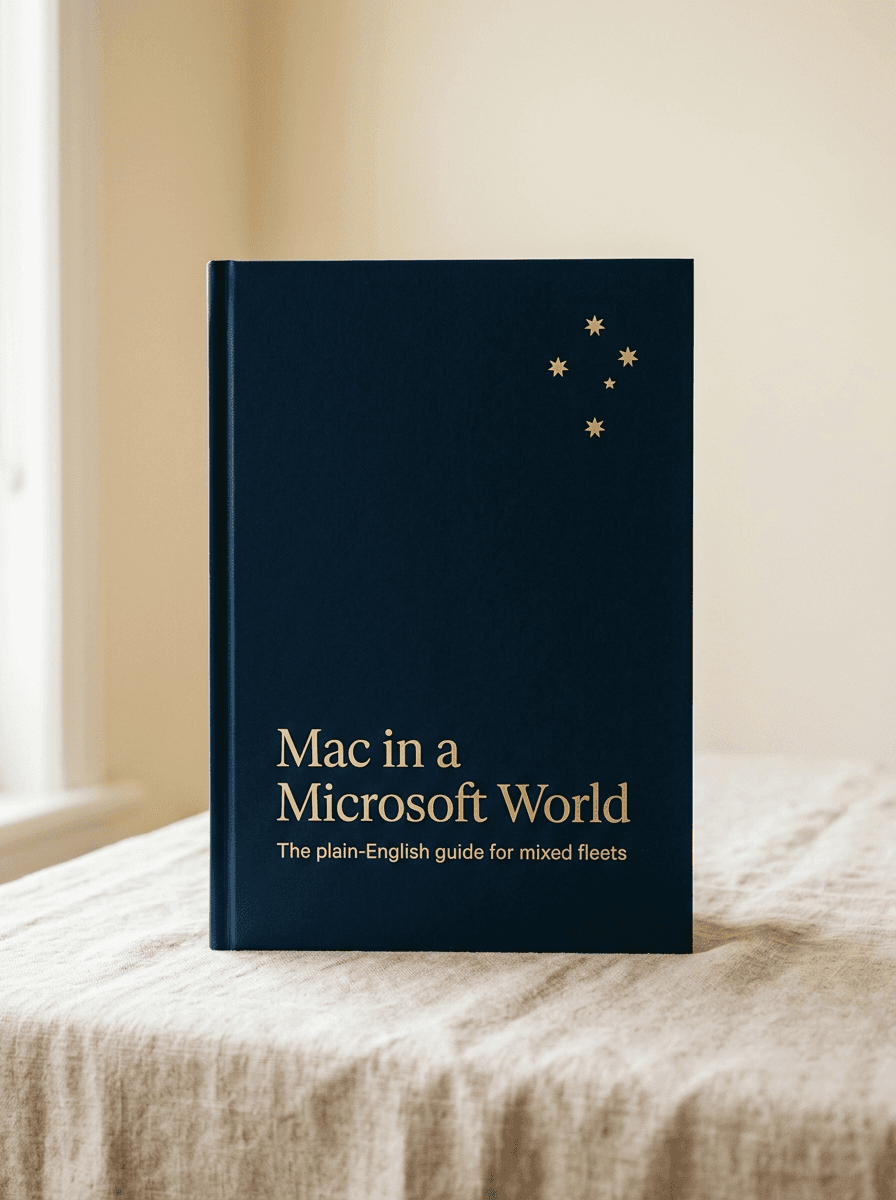
Mac in a Microsoft World
Your people want Macs. Your systems run on Microsoft. This guide explains, without jargon, what changes, what stays the same, and the three mistakes to avoid in year one.
- A plain-English tour of what actually changes
- The parity table: every Windows control and its Mac answer
- The readiness check to run before the first Mac is ordered
Trade pricing
Apply once. See your price on every Mac.
The catalogue shows RRP. Organisations that buy regularly apply for trade pricing: a real person reviews the application, usually within one business day, and sets up your rates across the full catalogue.
Apply for trade pricingWhat SCCS does with the Macs
- Quote and supply Mac fleets for staff, studios and executives.
- Enrol each Mac into management so it joins Microsoft sign-in, Wi-Fi and printing.
- Stage, label and deliver, then take the support tickets after hand-over.
- Retire the fleet it replaces securely, through PonyUp.
Supplied through Australia's major IT distributors. Education pricing is available for schools.
Free worksheet
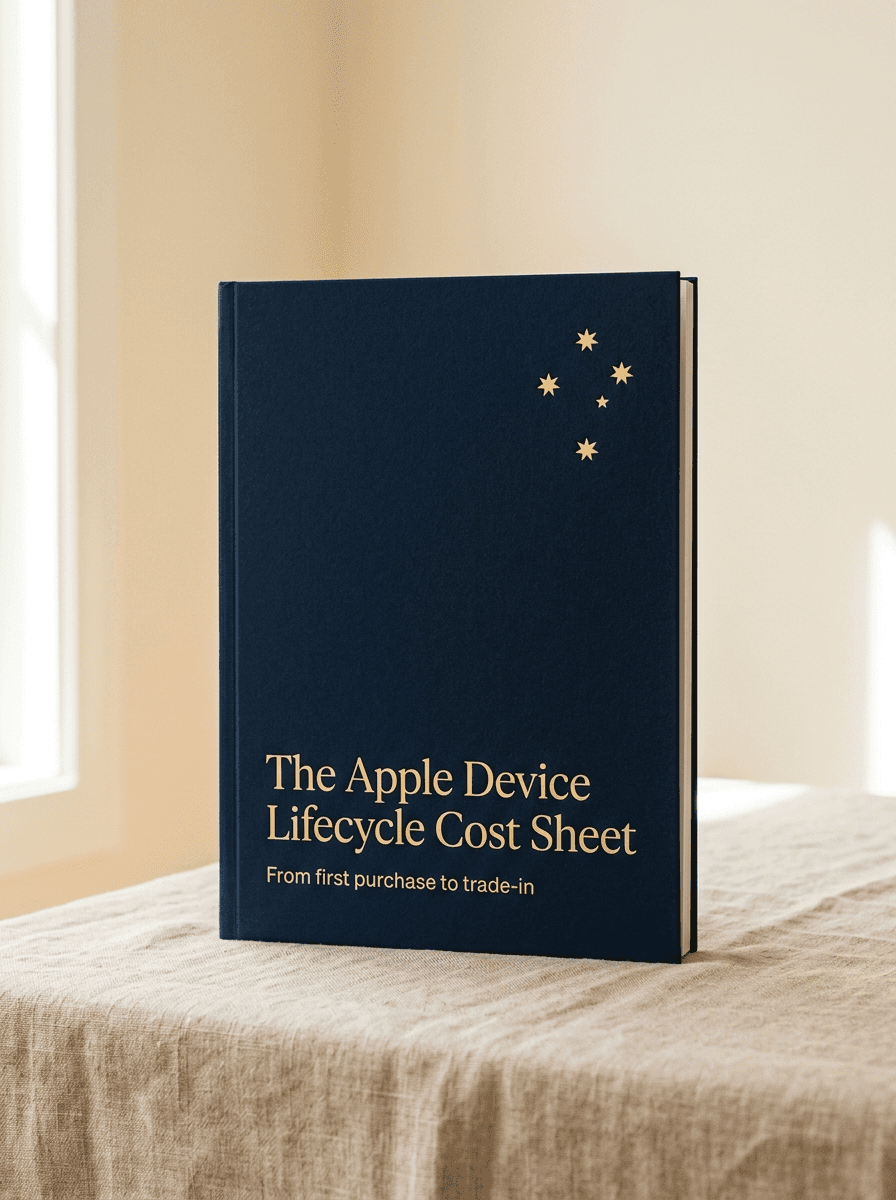
The Apple Device Lifecycle Cost Sheet
Compare buying, leasing and Device-as-a-Service on real quotes, with a line for trade-in. Fill it in before you sign.
- Buy, lease and Device-as-a-Service side by side
- The costs that sit outside the purchase price
- A trade-in line that changes more decisions than any other
From the catalogue
Know what you need?
Questions we hear
Buying Macs for business: questions
Is SCCS an Apple partner?
We supply Apple through Australia's major IT distributors and set Macs up to work alongside Microsoft accounts, printing and security. We do not claim an Apple partner tier.
Can I add memory or storage to a Mac later?
No. On Apple silicon Macs, memory and internal storage are chosen when the Mac is built, and Apple does not upgrade them afterwards. That is why we size them with you before the order goes in.
Mac mini or iMac for an office desk?
If the desk already has a good screen, keyboard and mouse, a Mac mini reuses them. If you are fitting out a new desk or a shared space, an iMac puts screen, camera and speakers in one unit.
Will Macs work with our Microsoft 365 environment?
Yes. Microsoft 365 apps run on Mac, and Macs can be managed alongside Windows devices. Our guide, Mac in a Microsoft World, sets out what changes, what stays the same and the mistakes to avoid in year one.
How does trade pricing work?
Apply once with your organisation's details. A real person reviews the application, usually within one business day, and sets up your rates. You then see your SCCS price across the full catalogue, Macs included.
Do you offer education pricing?
Yes, education pricing is available for schools. Planning a school device program? The School iPad and Mac Program Planner covers the five decisions to make first.
Ready when you are
Pricing a Mac fleet?
Apply for trade pricing and see your SCCS price across the catalogue, or talk the configuration through with someone senior first.